
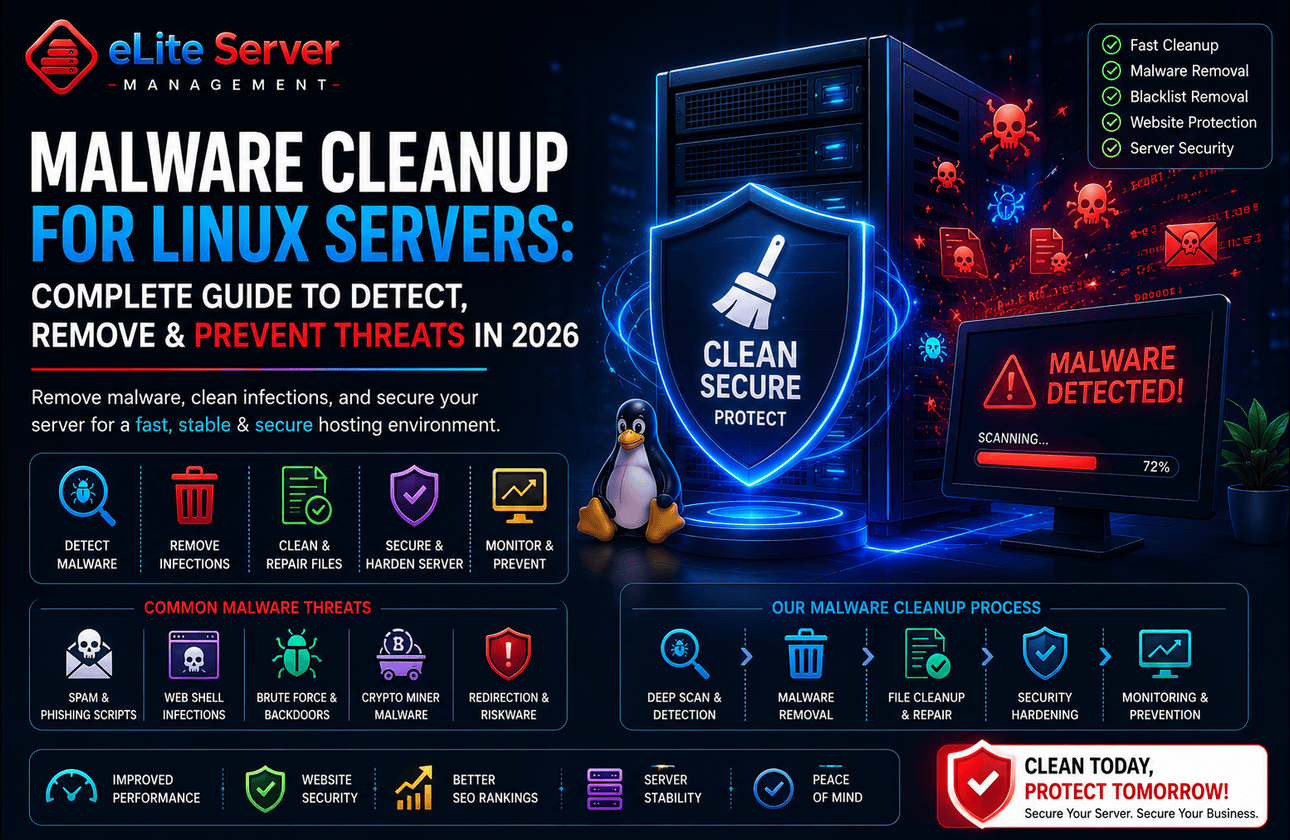
Introduction
Cybersecurity threats are growing rapidly across the web hosting industry. Malware infections, malicious scripts, phishing pages, backdoors, spam injections, and ransomware attacks continue targeting websites and hosting infrastructures every day.
Whether you operate a business website, an e-commerce store, a hosting platform, a WordPress installation, or a SaaS application, a malware infection can severely damage your website's reputation, search engine rankings, customer trust, and business operations.
In 2026, website malware cleanup is no longer just an emergency response service — it has become a critical part of modern hosting security and proactive infrastructure management.
Many businesses rely on professional malware cleanup and security solutions, such as Server Malware Cleanup Services, to protect their hosting environments from cyber threats and restore compromised websites quickly.
This guide explains how malware infections happen, how malware impacts hosting infrastructures, and the best practices businesses should follow to maintain secure and stable hosting environments.
What Is Website Malware?
Website malware refers to malicious code or unauthorized scripts injected into websites, servers, applications, or hosting environments.
Attackers use malware for various malicious activities, including:
- Stealing customer data
- Redirecting website traffic
- Sending spam emails
- Hosting phishing pages
- Mining cryptocurrency
- Spreading ransomware
- Creating backdoor access
- Injecting malicious advertisements
Malware can remain hidden for long periods if proper monitoring systems are not in place.
Common Types of Website Malware
1. Backdoor Malware
Backdoors allow attackers to regain unauthorized access even after passwords are changed.
These hidden scripts often bypass normal authentication systems.
2. Phishing Pages
Attackers inject fake login pages or payment forms designed to steal customer credentials.
These attacks are commonly used against hosting environments and e-commerce websites.
3. SEO Spam Injections
Spam malware injects hidden pages, keywords, and malicious links into websites.
This can:
- Damage SEO rankings
- Blacklist domains
- Harm website reputation
- Redirect visitors to malicious websites
4. Ransomware
Ransomware encrypts website files or server data and demands payment for recovery.
Without backups, businesses may permanently lose important data.
5. Crypto Mining Malware
Some malware secretly uses server resources to mine cryptocurrency.
This often causes:
- High CPU usage
- Performance degradation
- Server overheating
- Increased infrastructure costs
How Malware Infects Hosting Environments
Cyber attackers exploit multiple weaknesses to compromise websites and servers.
Common infection methods include:
- Outdated CMS installations
- Vulnerable plugins and themes
- Weak passwords
- Insecure file permissions
- Unpatched software
- Compromised FTP credentials
- Malicious uploads
- Exploited server vulnerabilities
Hosting environments without proper security hardening remain highly vulnerable.
Signs Your Website May Be Infected
Many website owners do not realize their websites are compromised until serious damage occurs.
Common warning signs include:
- Sudden traffic drops
- Website redirects
- Unknown admin accounts
- High server resource usage
- Spam emails being sent
- Blacklisting warnings
- Browser security alerts
- Suspicious files appearing on the server
- Slow website performance
Early detection is critical for preventing further damage.
Why Malware Cleanup Matters for Hosting Security
Malware infections can severely impact business operations.
A compromised hosting environment may lead to:
- Website downtime
- Customer data exposure
- SEO ranking loss
- Email blacklisting
- Revenue loss
- Reputation damage
- Legal compliance issues
Professional malware cleanup services help businesses:
- Remove malicious files
- Secure compromised servers
- Restore website functionality
- Prevent reinfections
- Improve infrastructure security
Businesses often combine malware cleanup with Server Security Services for stronger long-term protection.
Essential Malware Cleanup Steps
1. Identify the Infection Source
The first step is determining how attackers gained access.
Administrators should investigate:
- Access logs
- Modified files
- Suspicious processes
- Unknown user accounts
- Vulnerable applications
Understanding the infection source helps prevent future attacks.
2. Isolate the Compromised Environment
Compromised websites or accounts should be isolated immediately.
This helps prevent malware from spreading to:
- Other hosting accounts
- Databases
- Backup systems
- Internal infrastructure
3. Remove Malicious Files
All infected files, backdoors, malicious scripts, and unauthorized changes must be removed carefully.
Manual cleanup may involve:
- Deleting malicious files
- Cleaning injected code
- Removing hidden backdoors
- Restoring clean backups
Professional malware cleanup services are often recommended for complex infections.
4. Update Software and Applications
Outdated software is one of the biggest causes of malware infections.
Administrators should immediately update:
- Linux operating systems
- cPanel/WHM
- WordPress installations
- Plugins and themes
- PHP versions
- Web applications
Regular updates significantly improve security.
5. Harden Server Security
Server hardening reduces the risk of future attacks.
Important hardening steps include:
- Configuring firewalls
- Securing SSH access
- Disabling unnecessary services
- Restricting file permissions
- Installing malware scanners
- Enabling brute-force protection
Businesses using cPanel hosting environments often rely on cPanel Server Hardening Services to improve infrastructure security.
6. Enable Proactive Monitoring
Continuous monitoring helps detect suspicious activities early.
Important monitoring areas include:
- Failed login attempts
- Resource spikes
- Malware signatures
- File modifications
- Network activity
- Service availability
Businesses commonly use cPanel Server Monitoring Services for proactive infrastructure protection.
Popular Malware Detection Tools
Modern hosting environments use various malware detection tools.
Popular solutions include:
- ClamAV
- Maldet (Linux Malware Detect)
- Imunify360
- rkhunter
- ConfigServer eXploit Scanner
- Wordfence
- Sucuri Scanner
These tools help identify infected files and suspicious activities.
Importance of Proactive Server Security
Reactive security is no longer sufficient for modern hosting infrastructures.
Businesses increasingly rely on Proactive Server Management Services to continuously monitor and secure hosting environments.
Proactive management typically includes:
- 24/7 monitoring
- Malware scanning
- Firewall management
- Security patching
- Backup monitoring
- Incident response
- Infrastructure optimization
This approach helps prevent attacks before they cause major damage.
Dedicated Servers vs Shared Hosting Security
Dedicated servers generally provide better security compared to shared hosting environments.
Advantages include:
- Isolated resources
- Better malware containment
- Custom firewall configurations
- Improved monitoring visibility
- Better security policy control
Businesses handling sensitive customer data often prefer Managed Dedicated Servers for stronger infrastructure security.
Common Malware Cleanup Mistakes
Many businesses unintentionally weaken security during cleanup processes.
Common mistakes include:
Only Deleting Visible Malware
Hidden backdoors often remain undetected.
Ignoring Root Causes
Without fixing vulnerabilities, reinfections frequently occur.
No Backup Verification
Backups may already contain infected files.
Delaying Security Updates
Outdated software continues exposing servers to attacks.
Weak Password Policies
Compromised credentials remain a major security risk.
Avoiding these mistakes significantly improves long-term hosting security.
Future of Malware Protection in 2026
Cybersecurity technologies continue evolving rapidly.
Important malware protection trends include:
- AI-powered threat detection
- Behavioral malware analysis
- Automated incident response
- Cloud-based security filtering
- Advanced endpoint protection
- Zero Trust infrastructure security
Businesses must continuously improve security strategies to defend against modern cyber threats.
Frequently Asked Questions
What is website malware cleanup?
Website malware cleanup involves removing malicious code, infected files, backdoors, and unauthorized scripts from websites and servers.
How do websites become infected?
Websites are commonly infected through outdated software, vulnerable plugins, weak passwords, and insecure hosting environments.
Can malware affect SEO rankings?
Yes. Malware infections can result in blacklisting, browser warnings, and major SEO ranking drops.
How can businesses prevent malware infections?
Businesses should implement proactive monitoring, regular updates, firewall protection, malware scanning, and strong server hardening practices.
Is malware cleanup enough to secure a server?
No. Long-term security also requires proactive monitoring, hardening, patch management, and infrastructure security improvements.
Final Thoughts
Website malware infections remain one of the biggest cybersecurity threats for modern hosting environments in 2026.
Without proper protection and proactive monitoring, businesses risk downtime, SEO damage, customer trust issues, and serious infrastructure compromises.
Implementing strong malware cleanup procedures, proactive server monitoring, firewall protection, and hosting security best practices significantly improves infrastructure stability and long-term protection.
Businesses looking for malware cleanup services, proactive server management, Linux security hardening, and hosting infrastructure protection can explore professional solutions from Elite Server Management.