
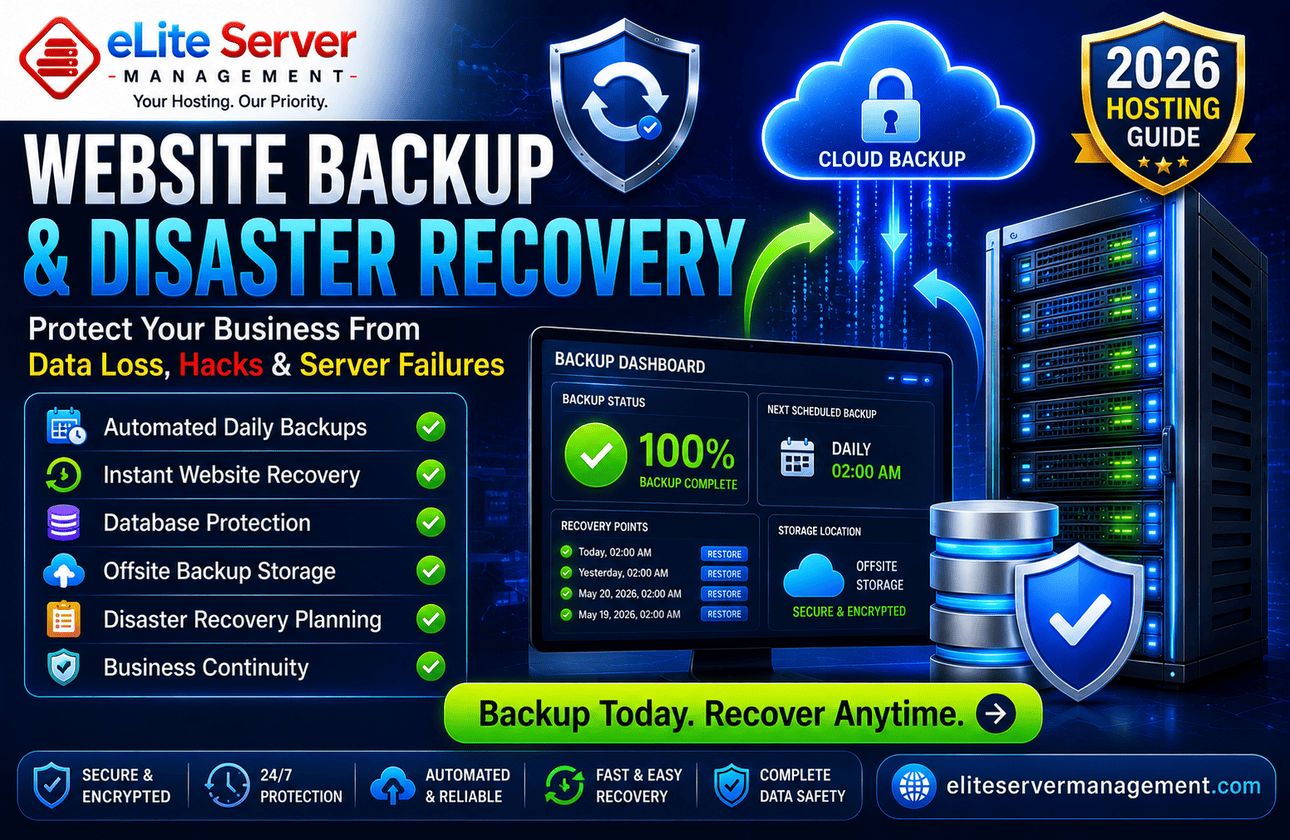
Website Backup Services: Why Every Business Needs Automated Backup and Disaster Recovery in 2026
Introduction
Many businesses invest heavily in web hosting, website development, cybersecurity, SEO, and digital marketing, yet overlook one of the most important aspects of infrastructure protection: backups.
A single server failure, malware infection, accidental deletion, ransomware attack, or software corruption can result in complete data loss. Without a proper backup and disaster recovery strategy, businesses risk losing websites, customer data, emails, databases, and years of operational information.
In 2026, automated website backup services will no longer be optional. They are a critical component of business continuity, cybersecurity, and infrastructure management.
This guide explains why backups matter, how disaster recovery works, and the best backup practices for modern hosting environments.
What Are Website Backup Services?
Website backup services create copies of important website data and store them securely for future recovery.
Typical backups include:
Website files
Databases
Email accounts
DNS configurations
Application settings
Server configurations
User accounts
The purpose is simple: restore services quickly if something goes wrong.
Why Businesses Lose Data
Many organizations assume data loss is rare. Unfortunately, it happens every day.
Common causes include:
Hardware Failures
Storage devices eventually fail.
Human Error
Accidental file deletion remains one of the leading causes of data loss.
Malware Infections
Malicious software can corrupt or encrypt critical files.
Ransomware Attacks
Attackers increasingly target servers and business websites.
Software Failures
Application crashes and failed updates may damage important data.
Hosting Issues
Unexpected server problems can affect websites and databases.
The Cost of Not Having Backups
Without backups, businesses may experience:
Website downtime
Lost customer data
Revenue loss
Reputation damage
SEO ranking declines
Compliance violations
Extended recovery times
For eCommerce websites, even a few hours of downtime can be extremely costly.
Types of Website Backups
Full Backups
A complete copy of all website data.
Incremental Backups
Only changed files are backed up after the initial backup.
Differential Backups
Back up all changes since the last full backup.
Snapshot Backups
Point-in-time copies of entire server environments.
Why Automated Backups Matter
Manual backups are often forgotten.
Automated backups ensure:
Consistent protection
Reduced human error
Scheduled backup creation
Faster recovery processes
Better compliance
Automation is now considered a best practice for hosting environments.
Offsite Backup Storage
Keeping backups on the same server is risky.
Best practices include storing backups:
In remote data centers
On cloud storage platforms
In geographically separate locations
Offsite backups protect against server failures and disasters.
Disaster Recovery Planning
Backups alone are not enough.
Disaster recovery focuses on:
Recovery procedures
Restoration timelines
Business continuity
Emergency response plans
A complete disaster recovery strategy helps businesses resume operations quickly after an incident.
Backup Best Practices
Daily Backups
Critical websites should be backed up daily.
Multiple Backup Copies
Follow the 3-2-1 backup rule:
3 copies of data
2 storage locations
1 offsite copy
Test Restorations
Verify backups can actually be restored.
Encrypt Backup Data
Protect backup archives from unauthorized access.
Monitor Backup Success
Ensure backup jobs complete successfully.
Related Services
Backup Services:
https://eliteservermanagement.com/backup-services.php
Managed Server Services:
https://eliteservermanagement.com/managed-server-services.php
Server Security Services:
https://eliteservermanagement.com/server-security-services.php
Proactive Server Management:
https://eliteservermanagement.com/proactive-server-management.php
Managed Dedicated Servers:
https://eliteservermanagement.com/managed-dedicated-server.php
Benefits of Managed Backup Services
Professional backup management provides:
Automated backups
Backup monitoring
Recovery assistance
Disaster recovery planning
Data integrity verification
Secure offsite storage
This allows businesses to focus on operations while experts handle infrastructure protection.
Future of Backup and Recovery in 2026
Emerging trends include:
AI-driven backup validation
Immutable backups
Cloud-native recovery
Ransomware-resistant storage
Continuous data protection
Automated disaster recovery testing
Organizations adopting these technologies gain stronger resilience against modern threats.
Final Thoughts
Website backups are one of the most important investments a business can make. While no organization expects data loss, hardware failures, cyberattacks, human errors, and software issues occur every day.
A well-designed backup and disaster recovery strategy ensures your business can recover quickly, minimize downtime, and protect critical customer information.
Businesses that prioritize backup services today will be better prepared for the challenges of tomorrow.
👉 Contact Our Team: https://eliteservermanagement.com/contact.php