
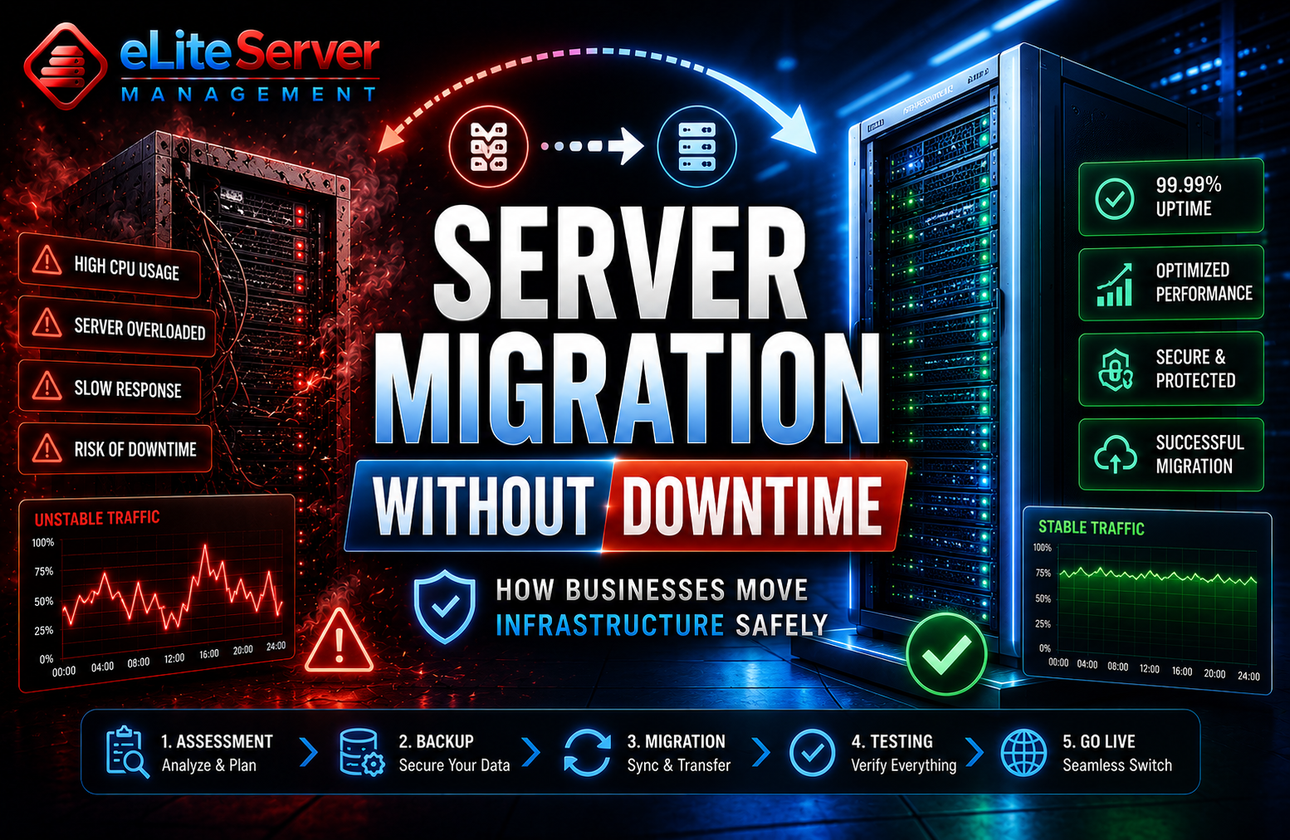
Server Migration Without Downtime: How Businesses Move Infrastructure Safely
Introduction
Server migration is one of the most stressful infrastructure tasks businesses face.
A poorly planned migration can lead to:
- downtime
- data corruption
- failed applications
- DNS issues
- customer frustration
For e-commerce businesses, SaaS platforms, production applications, and high-traffic websites, even a short outage can impact:
- revenue
- SEO rankings
- Customer trust
- Operational stability
The good news?
With proper planning and execution, server migrations can be completed with little to no downtime.
Let’s break down how professional infrastructure migrations are actually performed safely.
Why Businesses Migrate Servers
There are many reasons businesses eventually move infrastructure.
Common Reasons:
- Upgrading from VPS to dedicated servers
- moving to higher-performance hardware
- reducing downtime issues
- improving security
- scaling applications
- changing hosting providers
Sometimes migration is proactive.
Other times, it becomes urgent after:
- server instability
- hardware limitations
- traffic growth
The Biggest Migration Mistake Businesses Make
Most migration failures happen because businesses:
- Rush the process
- skip testing
- Ignore DNS planning
- fail to prepare rollback strategies
Migration is not just:
❌ “copy files and switch servers.”
Professional migration requires:
✅ planning
✅ synchronization
✅ testing
✅ staged deployment
Step 1: Infrastructure Assessment
Before migration begins, the current environment must be fully audited.
This includes:
- applications
- databases
- mail services
- DNS records
- firewall rules
- cron jobs
- software versions
Without a complete audit, critical services are often missed.
Step 2: Full Backup Creation
Before touching production infrastructure:
- Complete backups are mandatory
This includes:
- website files
- databases
- email accounts
- configurations
👉 Learn more:
<a href="/backup-services.php">Server Backup Services</a>
A rollback plan should always exist before migration starts.
Step 3: Preparing the New Server
The new environment should be fully configured BEFORE traffic is moved.
This includes:
- security hardening
- software installation
- optimization
- monitoring setup
👉 Explore:
<a href="/managed-server-services.php">Managed Server Services</a>
The goal is to ensure the new server is production-ready before cutover.
Step 4: Data Synchronization
One of the most important parts of migration is data synchronization.
Instead of shutting down production immediately:
- Files are synced gradually
- Databases are replicated
- services are tested in parallel
This significantly reduces downtime risk.
Step 5: DNS Planning
DNS propagation is one of the biggest migration concerns.
Professional migrations reduce impact by:
- lowering TTL values early
- preparing DNS cutover windows
- validating propagation globally
Poor DNS handling often causes:
- random downtime
- mail delivery issues
- inconsistent website behavior
Step 6: Testing Before Going Live
Before final cutover:
- Websites must be tested
- applications verified
- databases checked
- email validated
Professional migrations NEVER skip staging validation.
Step 7: Monitoring After Migration
Even after migration completes:
- Monitoring is critical
This helps detect:
- performance issues
- failed services
- traffic anomalies
- DNS inconsistencies
👉 Learn more:
<a href="/cpanel-server-monitoring.php">Server Monitoring Services</a>
Common Migration Risks
❌ Data Loss
Improper synchronization can result in missing data.
❌ Email Failures
Mail services are often overlooked during migration.
❌ Application Compatibility Problems
New server environments may differ from the old infrastructure.
❌ DNS Delays
Improper propagation planning can create instability.
When Professional Migration Services Matter
Businesses should strongly consider professional migration assistance when:
- Uptime is critical
- applications generate revenue
- Infrastructure is complex
- Databases are large
- Multiple services exist
Migration mistakes become extremely expensive at scale.
The Benefits of Zero-Downtime Migration
Proper migration planning helps businesses:
- avoid outages
- maintain customer trust
- reduce SEO impact
- minimize operational disruption
For production environments, migration quality matters more than migration speed.
Final Thoughts
Server migration is not just a technical task — it’s a business continuity process.
The difference between successful and failed migration usually comes down to:
- planning
- testing
- monitoring
- execution quality
Businesses that migrate carefully can scale infrastructure without disrupting users or operations.
Need Help Migrating Servers Safely?
Whether you’re moving from VPS to dedicated infrastructure or migrating production workloads, Elite Server Management can help plan and execute migrations professionally with minimal downtime.
👉 https://eliteservermanagement.com/server-migration-services.php