
Introduction
As businesses grow, hosting requirements change. A server that performed well a year ago may no longer meet today's performance, security, or scalability needs. Whether you're moving from shared hosting to a VPS, upgrading to a dedicated server, changing providers, or consolidating infrastructure, a successful migration is critical.
The challenge is simple: move everything without downtime, data loss, or service interruptions.
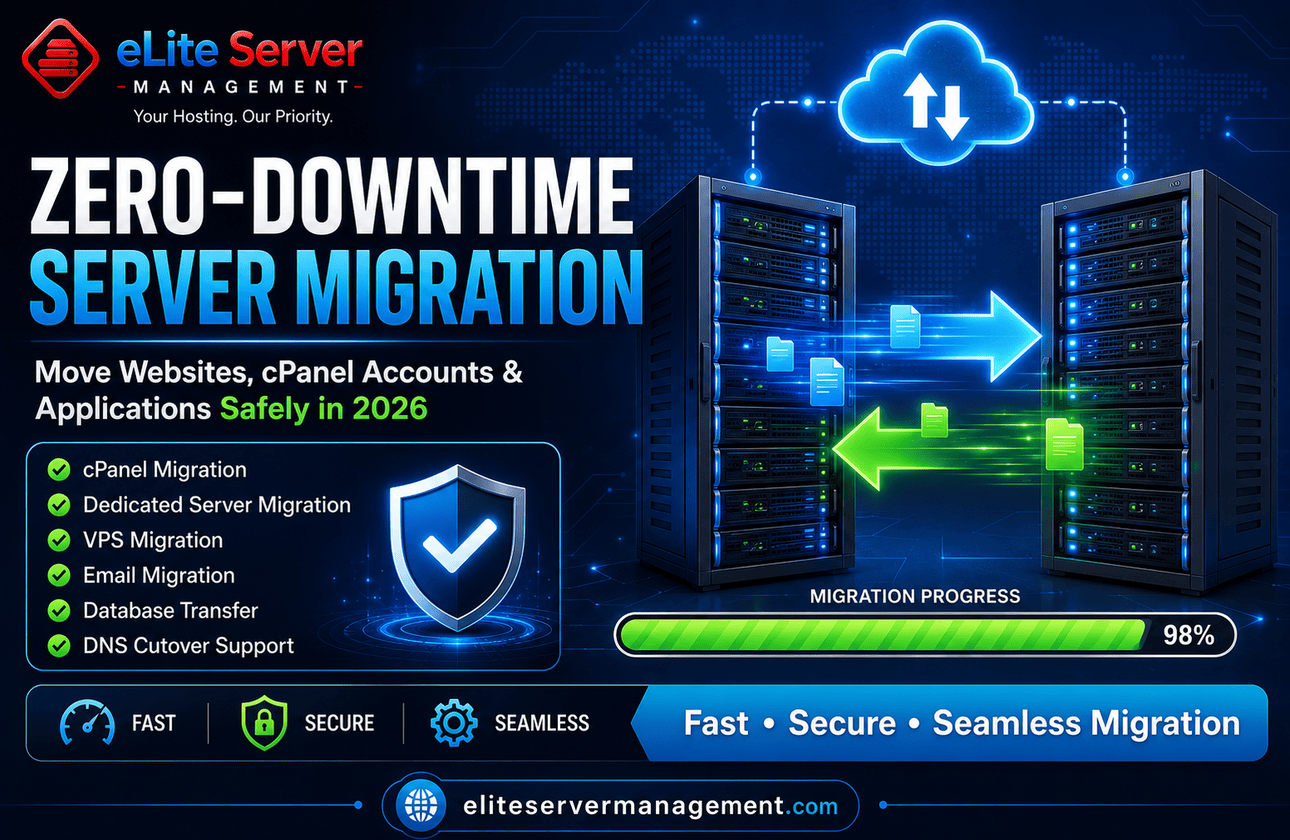
Professional Server Migration Services help businesses transfer websites, applications, databases, emails, and hosting accounts while minimizing risk and maintaining business continuity.
In this guide, we'll explain everything you need to know about server migration in 2026, including planning, execution, common mistakes, and best practices.
What Are Server Migration Services?
Server migration refers to moving data, applications, websites, databases, emails, and configurations from one hosting environment to another.
Common migration scenarios include:
Shared Hosting to VPS
VPS to Dedicated Server
Dedicated Server to Dedicated Server
cPanel to cPanel Migration
Cloud Migration
Data Center Relocation
Infrastructure Upgrades
The goal is to transfer workloads safely while maintaining performance and availability.
Why Businesses Migrate Servers
Performance Improvements
Growing websites often outgrow their existing infrastructure.
Better Security
Newer environments provide stronger security controls and monitoring.
Cost Optimization
Businesses may move to more efficient hosting platforms.
Infrastructure Upgrades
Modern hardware delivers better performance and reliability.
Provider Changes
Many companies migrate to obtain better support and service quality.
Types of Server Migrations
Website Migration
Moving website files, databases, and configurations.
Email Migration
Transferring email accounts, messages, and settings.
Database Migration
Moving MySQL, MariaDB, PostgreSQL, and other database systems.
Application Migration
Migrating web applications and custom software.
Full Server Migration
Complete transfer of services, users, databases, applications, and configurations.
Challenges During Server Migration
Without proper planning, migrations can result in:
Website downtime
Email interruptions
Database corruption
DNS propagation issues
Data loss
Application failures
SEO disruptions
This is why experienced migration specialists are essential.
Steps for a Successful Migration
1. Infrastructure Assessment
Review the existing environment.
2. Full Backup Creation
Create verified backups before any migration begins.
3. Destination Server Preparation
Configure security, services, and software.
4. Data Transfer
Move files, databases, and accounts securely.
5. Testing Phase
Verify websites, applications, and services.
6. DNS Cutover
Update DNS records with minimal disruption.
7. Post-Migration Monitoring
Monitor performance and resolve issues quickly.
Benefits of Professional Migration Services
Reduced downtime
Faster deployment
Improved security
Better planning
Data integrity protection
Expert troubleshooting
Minimal business disruption
Internal Resources
Businesses planning migrations may also benefit from:
https://eliteservermanagement.com/server-migration-services.php
https://eliteservermanagement.com/managed-server-services.php
https://eliteservermanagement.com/cpanel-server-management-services.php
https://eliteservermanagement.com/server-security-services.php
Frequently Asked Questions
How long does a server migration take?
Most migrations take a few hours to a few days, depending on data size and complexity.
Can migrations be completed without downtime?
Yes. Proper planning and synchronization techniques can significantly reduce or eliminate downtime.
Is my data safe during migration?
Professional migration services create backups and verification checkpoints to protect data.
Final Thoughts
Server migration is one of the most important infrastructure projects a business can undertake. When planned properly, migrations improve performance, security, scalability, and reliability without disrupting customers.
Working with experienced migration professionals ensures a smooth transition and helps businesses avoid costly downtime and data loss.