
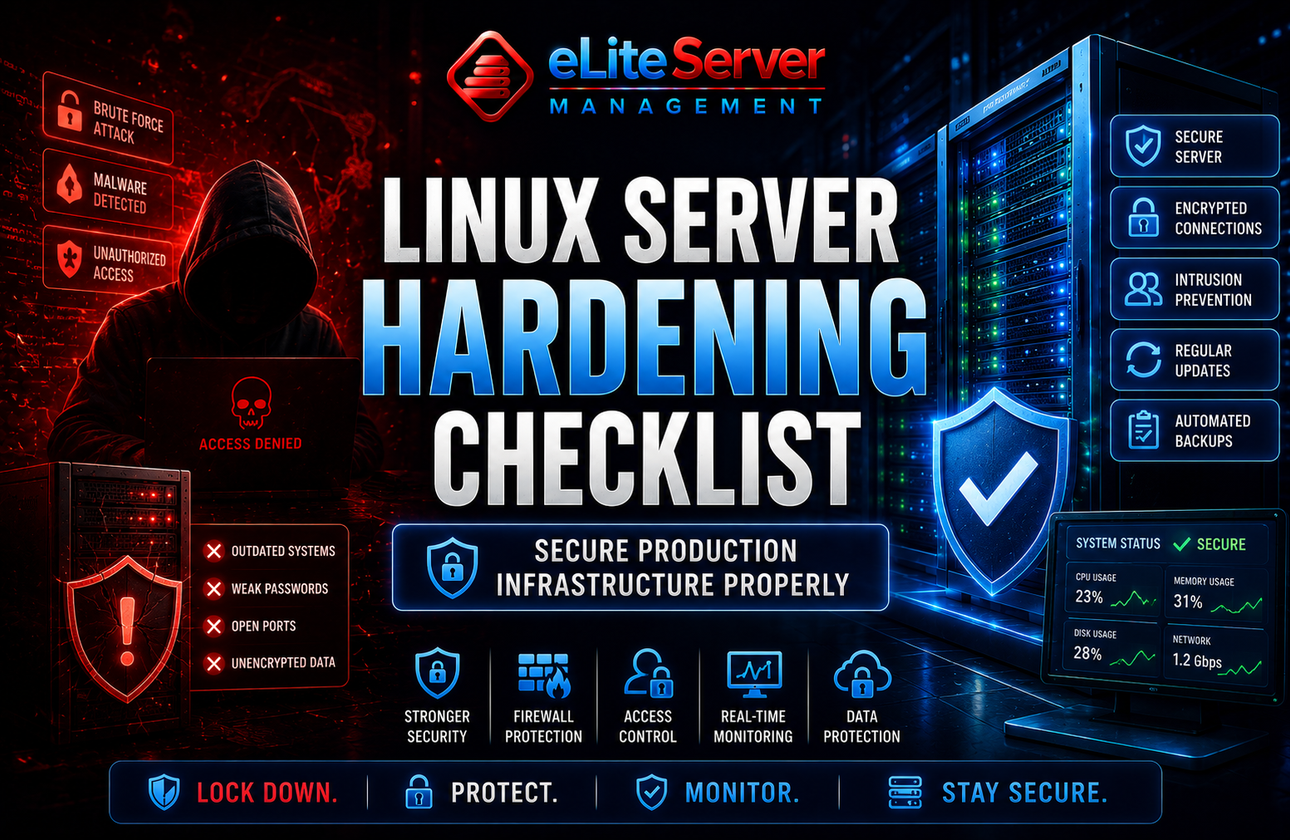
Linux Server Hardening Checklist: How to Secure Production Infrastructure Properly
Introduction
Linux servers power a massive portion of the internet.
From:
- e-commerce platforms
- SaaS applications
- hosting environments
- APIs
- enterprise infrastructure
…Linux remains the backbone of modern production environments.
But simply deploying a Linux server is not enough.
Without proper hardening:
- Brute-force attacks increase
- Malware risks grow
- Vulnerabilities remain exposed
- Production systems become easy targets
The reality is:
Most compromised servers were never properly secured in the first place.
This guide covers the essential Linux server hardening practices businesses should implement to improve infrastructure security and long-term stability.
What Is Server Hardening?
Server hardening is the process of reducing security risks by:
- removing vulnerabilities
- tightening configurations
- limiting attack surfaces
- improving monitoring
The goal is simple:
👉 make the server significantly harder to compromise.
1. Keep the Operating System Updated
Outdated software is one of the biggest security risks.
Many attacks succeed because:
- Kernels remain outdated
- Packages are vulnerable
- Security patches are ignored
Best Practice:
- Apply updates regularly
- Monitor security advisories
- Automate critical patching where appropriate
2. Disable Root SSH Login
Allowing direct root login increases attack exposure dramatically.
Instead:
✅ Create separate sudo users
✅ Disable root SSH access
✅ Enforce strong authentication
This is one of the simplest and most important security improvements.
3. Change the Default SSH Port
Changing the SSH port alone is not “real security,” but it significantly reduces:
- automated scans
- brute-force noise
- attack attempts
Combined with proper firewall rules, it becomes far more effective.
4. Use SSH Key Authentication
Passwords alone are no longer sufficient for production infrastructure.
SSH keys provide:
- stronger authentication
- reduced brute-force risk
- improved access control
Production environments should strongly prefer:
✅ SSH keys
✅ passphrases
✅ restricted user access
5. Configure a Proper Firewall
A firewall helps restrict unnecessary exposure.
Only required ports should remain publicly accessible.
Common Examples:
- 80 / 443 for websites
- restricted SSH access
- database ports blocked publicly
A properly configured firewall dramatically reduces the attack surface.
6. Install Intrusion Prevention
Tools like:
- Fail2Ban
- CSF
- Imunify
- IDS systems
help block:
- brute-force attacks
- malicious login attempts
- suspicious traffic patterns
7. Secure cPanel & Hosting Services
Hosting environments require additional protection.
This includes:
- cPanel hardening
- WHM security
- mail server protection
- PHP configuration tuning
👉 Learn more: https://eliteservermanagement.com/cpanel-server-hardening.php
8. Monitor Server Activity Continuously
Security is not a one-time setup.
Without monitoring:
- Attacks remain unnoticed
- Services fail silently
- Unusual behavior goes undetected
👉 Explore: https://eliteservermanagement.com/cpanel-server-monitoring.php
Continuous monitoring is essential for production infrastructure.
9. Disable Unnecessary Services
Many servers run services that are never actually needed.
Unused services increase:
- attack surface
- resource usage
- vulnerability exposure
Production systems should remain lean and purpose-driven.
10. Configure Automated Backups
Even highly secured systems require backup protection.
Because:
- Hardware failures happen
- Ransomware exists
- Human mistakes occur
A reliable backup strategy is part of security planning.
11. Malware & Rootkit Detection
Servers should be scanned regularly for:
- malware
- hidden backdoors
- rootkits
- suspicious binaries
Especially in hosting environments where applications change frequently.
12. Proactive Security Audits
Security evolves constantly.
Professional audits help identify:
- outdated configurations
- exposed services
- insecure permissions
- weak authentication policies
👉 Learn more: https://eliteservermanagement.com/server-security-services.php
Why Businesses Outsource Server Security
As infrastructure grows:
- Security complexity increases
- attack risks expand
- Monitoring becomes critical
Many businesses outsource server security because:
- Internal teams are limited
- uptime matters
- expertise is specialized
Professional management helps reduce operational risk significantly.
Final Thoughts
Linux is extremely powerful and stable — but only when secured properly.
A hardened server:
✅ reduces attack exposure
✅ improves infrastructure stability
✅ protects business continuity
✅ improves long-term reliability
Security should never be reactive.
The best infrastructure environments are secured proactively before incidents happen.
Need Help Securing Your Servers?
Whether you need server hardening, security monitoring, malware cleanup, or proactive infrastructure management, Elite Server Management can help secure and optimize your production environment professionally.
Contact Our Security Team: https://eliteservermanagement.com/contact.php